Device driver types: class, kernel-mode and user-mode
Understand the main driver families without confusing hardware categories with where a driver runs.
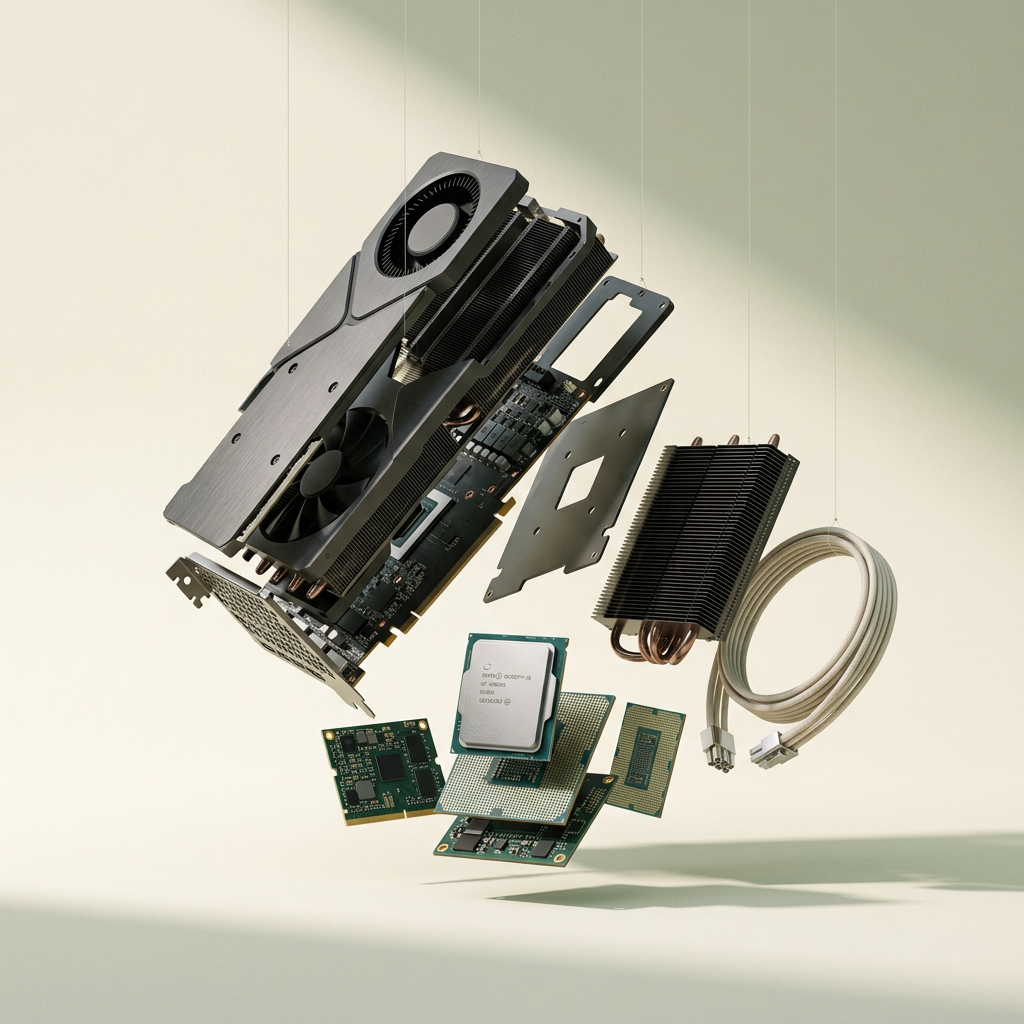
01Two different ways to classify drivers
Graphics, audio and network describe the hardware or service a driver supports. Kernel-mode and user-mode describe its execution environment. These labels answer different questions, so a graphics package can contain several components rather than a single file with one role.
02Kernel-mode and user-mode components
Kernel-mode components run with privileged access to operating system resources. A serious fault there can destabilize Windows. User-mode components run in a more isolated environment, but they can still depend on kernel components for access to the device. Isolation does not remove the need for a trusted, compatible package.
03Class drivers, bus drivers and manufacturer support
A bus driver supports a connection such as USB or PCI. A class driver implements common behavior for a standard device family. A manufacturer driver supplies device-specific behavior. These components can form a stack, with each handling part of a request. Do not try to replace each layer independently unless the manufacturer documents that procedure.
Steps to follow
- Identify which hardware function is affected.
- Check the complete package recommended for that model.
- Use the publisher’s installer when one is provided.
- Avoid mixing individual driver files from unrelated releases.
Before installing, complete the driver update checklist. Record the existing version and keep a supported recovery package.
Important precautions
A file name ending in .sys is not enough to identify the correct replacement. Use a supported driver package.
Official support and further reading
These links lead to publisher support pages, not to files hosted by daanch.