Chipset drivers and platform support explained
Understand chipset packages, device information files and the platform components a computer may require.
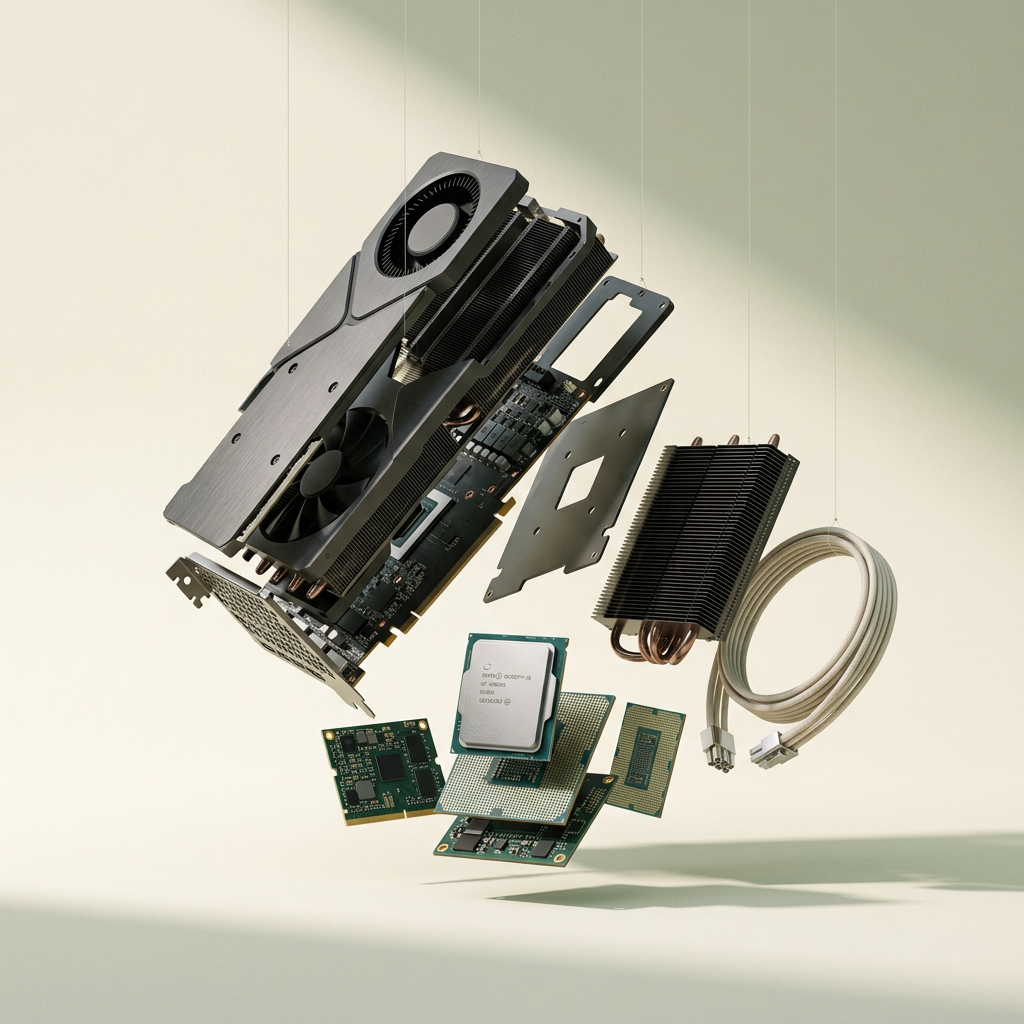
01A chipset package is not always one driver
Chipset support describes a group of platform components. Depending on the manufacturer, a download can contain device information files, actual drivers or related platform software. Installing an identification package does not automatically improve processor speed or replace every motherboard driver.
02Related packages can be separate
Serial I/O, management interfaces, GPIO, storage controllers and power-related components may have their own packages. Use the computer or motherboard support documentation to understand which apply. Match the operating system and board revision; a compatible processor alone is not sufficient.
03Treat storage and firmware differently
Storage-controller changes can affect whether Windows starts. Firmware updates and BIOS settings are not ordinary chipset-driver installation steps. Investigate a specific missing device through its hardware identifiers, and avoid replacing working low-level components just because an updater offers a newer date.
Steps to follow
- Identify the exact motherboard or computer model.
- Review the official chipset and platform package descriptions.
- Install only supported components in the documented order.
- Restart if required and verify the affected device status.
Before installing, complete the driver update checklist. Record the existing version and keep a supported recovery package.
Important precautions
Do not change RAID, AHCI or other storage-controller modes as a general driver fix; Windows may no longer boot.
Official support and further reading
These links lead to publisher support pages, not to files hosted by daanch.