Driver updates and firmware updates are different
Know which software runs in Windows and which runs inside the device before choosing an update procedure.
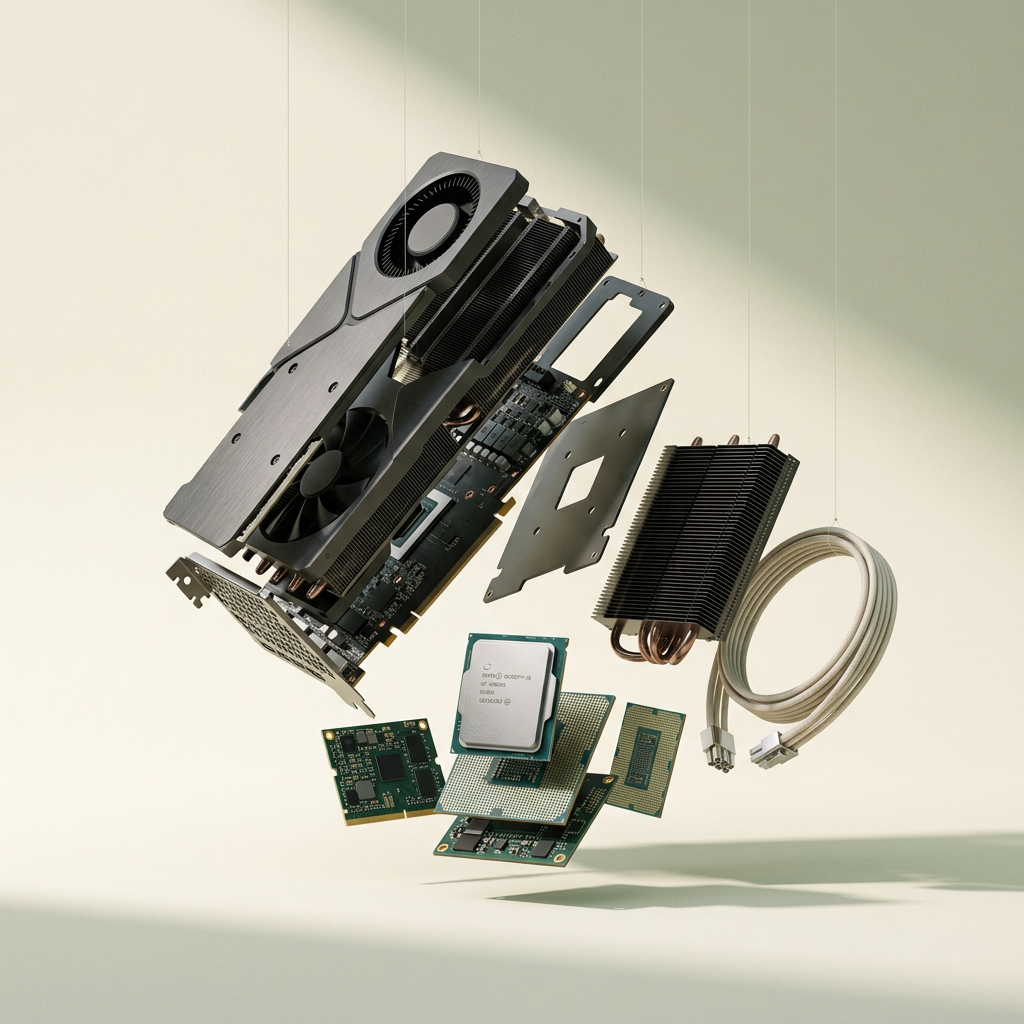
01Where the software runs
A Windows driver provides operating system support for a device. Firmware runs on the device or computer platform itself. BIOS and UEFI are examples of platform firmware. Both can influence hardware behavior, but replacing one does not automatically update the other.
02Why update procedures differ
A driver package usually changes files and configuration managed by Windows. Firmware may rewrite persistent device storage and can have strict requirements for power, supported hardware revisions and recovery. Some firmware is delivered through Windows Update, but that delivery method does not make it an ordinary driver replacement.
03Choose by the documented fix
Read the manufacturer’s description of the problem and the exact package type. A firmware release for one printer or laptop revision must not be used on a similar-looking model. If your issue is covered by an ordinary signed driver update, a firmware change is not an additional routine step.
Steps to follow
- Check whether the download is described as a driver, utility or firmware.
- Verify the complete model and hardware revision.
- Read prerequisites and recovery instructions before starting.
- Follow the maker’s procedure without interrupting a firmware operation.
Before installing, complete the driver update checklist. Record the existing version and keep a supported recovery package.
Important precautions
Do not perform an unnecessary BIOS or firmware update as a generic response to a Device Manager warning.
Official support and further reading
These links lead to publisher support pages, not to files hosted by daanch.